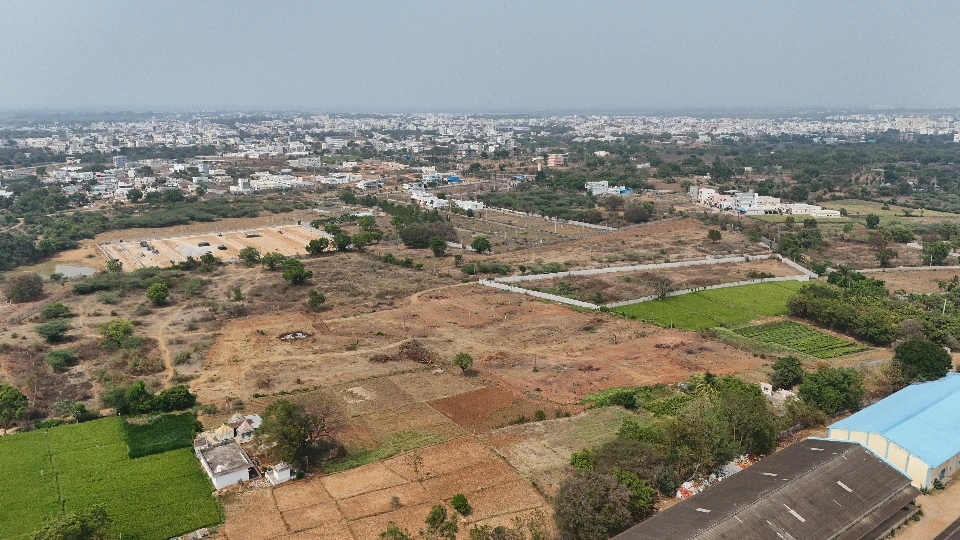
A layout becomes much easier to understand when you can explore one plot at a time. The interactive viewer on the Vasanth Vihar Enclave project page brings plot numbers, internal roads and shared spaces into one view.
Start with the whole layout
Choose Clean Layout to see the plan without surrounding map imagery. Use Fit project whenever you want to return to the full layout after exploring a particular section.
First identify the road network and open spaces. Then look at how the numbered plots sit alongside them. The colour guide distinguishes internal roads, open spaces, social infrastructure and utilities; these colours describe the layout rather than availability.
Find a plot and compare its surroundings
Type a plot number into Search plot and select Find. You can also open Browse plot numbers and select a number directly. The viewer moves to that plot and opens its details.
Use the previous and next controls to browse neighbouring numbers. Check the road beside each plot and its position relative to the rest of the project. Adjacent numbers are a useful browsing sequence, but always look at the actual plan to understand physical relationships.
On a phone, drag with one finger to move around and pinch with two fingers to zoom. Tap a plot to open the details sheet. On desktop, scroll to zoom and drag to pan.
Read availability separately from the plan
The remaining-plots summary and the numbered layout serve different purposes. The summary reports current project inventory; the plan identifies plot locations. A visible number, neutral fill or unknown status is not confirmation that a particular plot can be booked.
Ask our team to confirm the specific numbers on your shortlist. Where details such as price or facing are not shown, request them instead of inferring them from the drawing.
Take your shortlist to the site
Note two or three preferred plot numbers before arranging a visit. Use Enquire on WhatsApp from the selected plot to discuss it with our team, or choose Book Site Visit.
The viewer is an exploration aid. Confirm boundaries, dimensions and access against the project documents and on site. For a broader checklist, read our site visit questions.
Frequently Asked Questions
How do I find a specific plot?
Enter its number in the viewer's search field and select Find, or open Browse plot numbers. The viewer highlights the plot and opens its details.
Does a numbered plot mean it is available?
No. Plot numbers identify locations on the layout. Confirm availability for your selected plot with our team before booking.
Vasanth Vihar Enclave - Premium venture | INR 26,999*/sq.yd | Only 102 plots left